

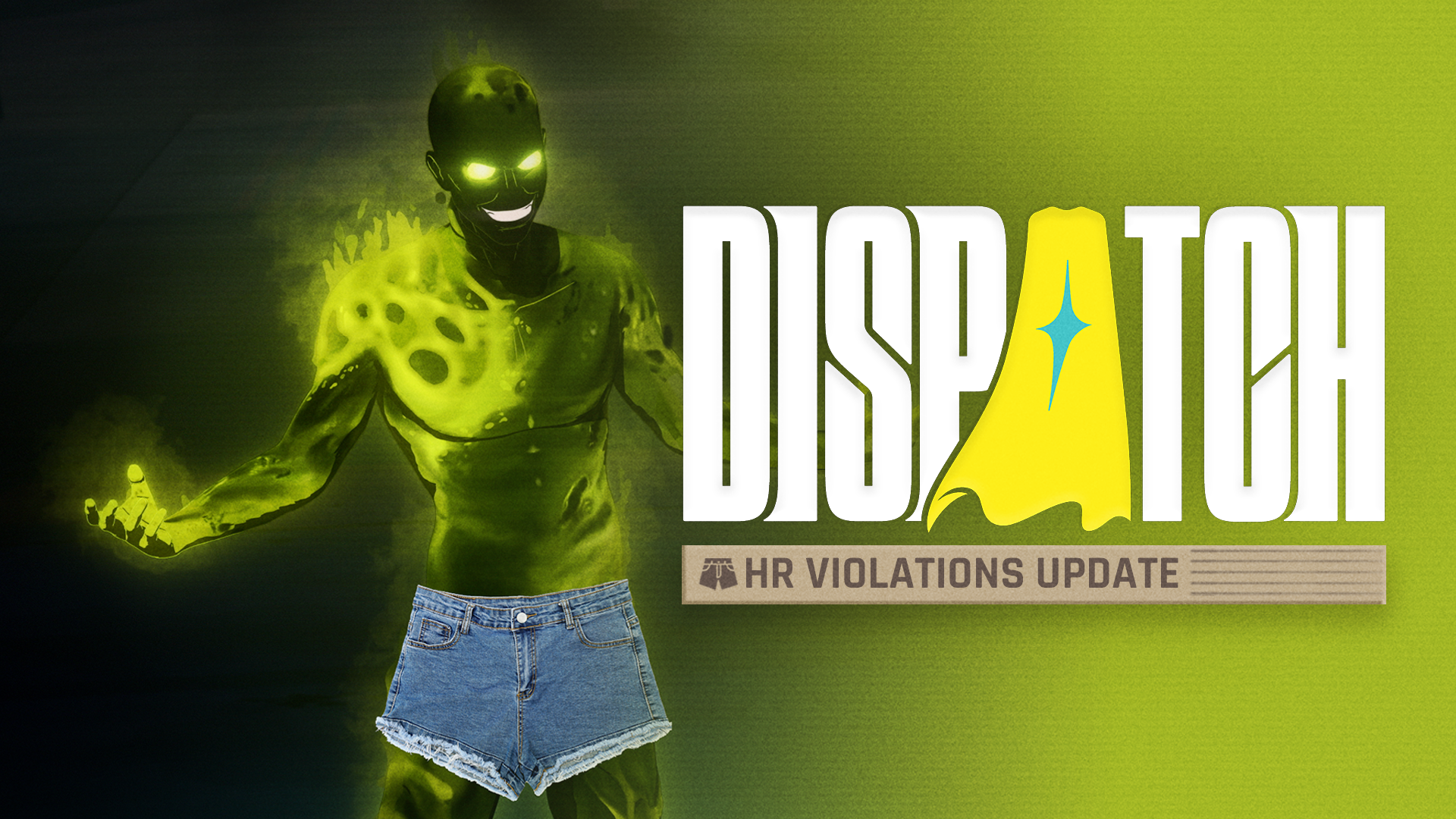
Our latest free update, HR Violations, adds new visual filters that can be found in Dispatch’s General Settings > Filters menu.
This update will have the biggest impact on Switch players, but these settings have been made available as additional options for Steam and PS5 players, too.
Available settings vary per region, so read on to make sure you’re fully aware of which HR Violations you’re committing before you play.

HR VIOLATIONS UPDATE
PATCH NOTES
June 17, 2026
NINTENDO SWITCH & SWITCH 2
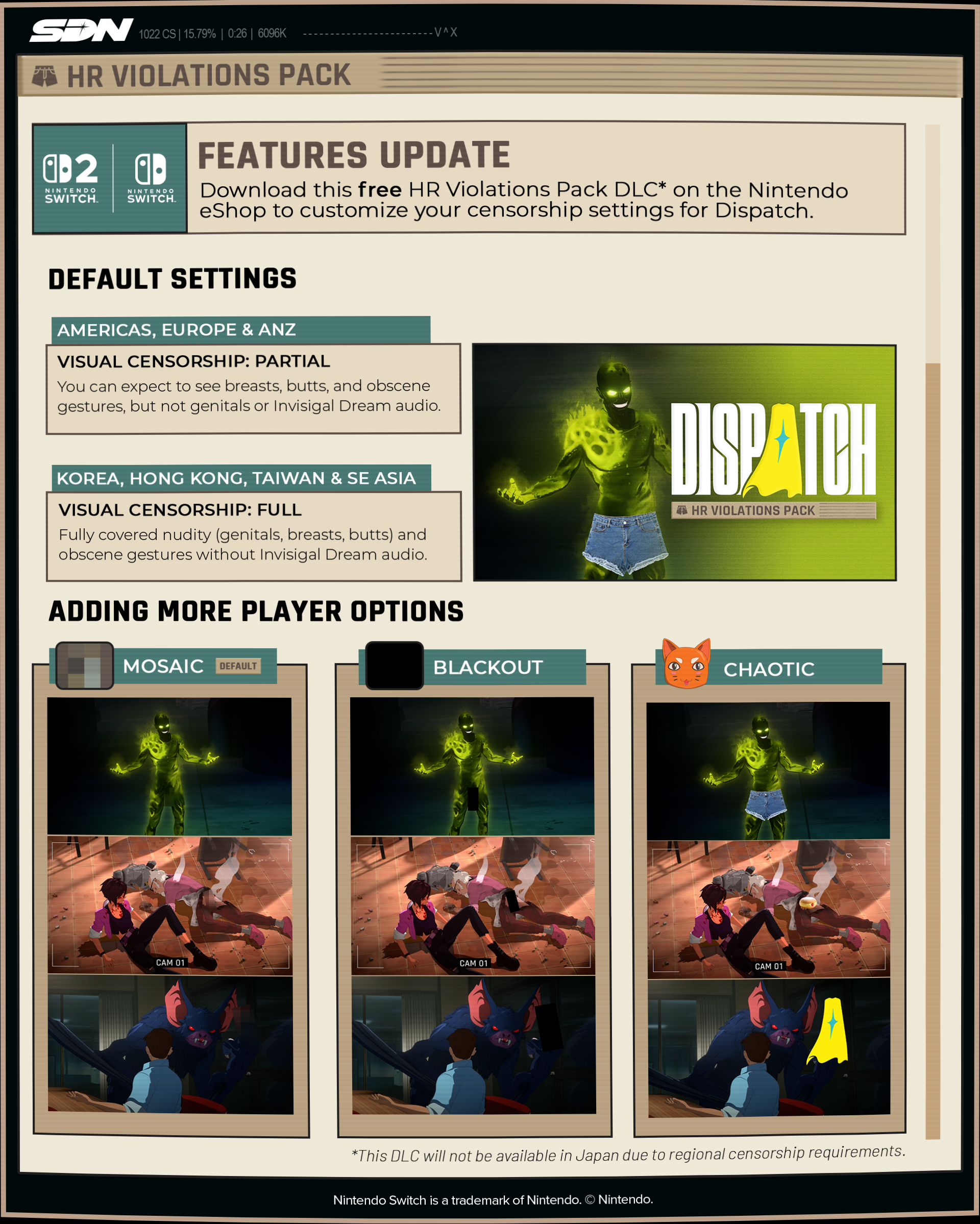
Coverage Settings (Partial or Full)
Partial Coverage (Default): Butts, boobs, and birds (AKA, middle fingers) are all set free. HR tells us genitals and explicit audio are still off limits, so those stay censored.
Full Coverage: Fully censors all explicit visual and audio content.
Censorship Styles (Mosaic, Chaotic, or Blackout)
Mosaic (Default): Covers up with a demure pixelated blob.
Chaotic: Covers up with whatever’s lying around, like jorts.
Blackout: This standard censorship style is still available for maximum coverage.
Regional Availability
Coverage Settings:
North America, Europe, Australia, New Zealand: Partial or Full Coverage (player choice)
Japan, Taiwan, Hong Kong, Korea, Southeast Asia: Full Coverage only
Censorship Styles:
North America, Europe, Australia, New Zealand, Taiwan, Hong Kong, Korea, Southeast Asia: Mosaic, Chaotic, or Blackout (player choice)
Japan: Blackout only
STEAM & PLAYSTATION 5
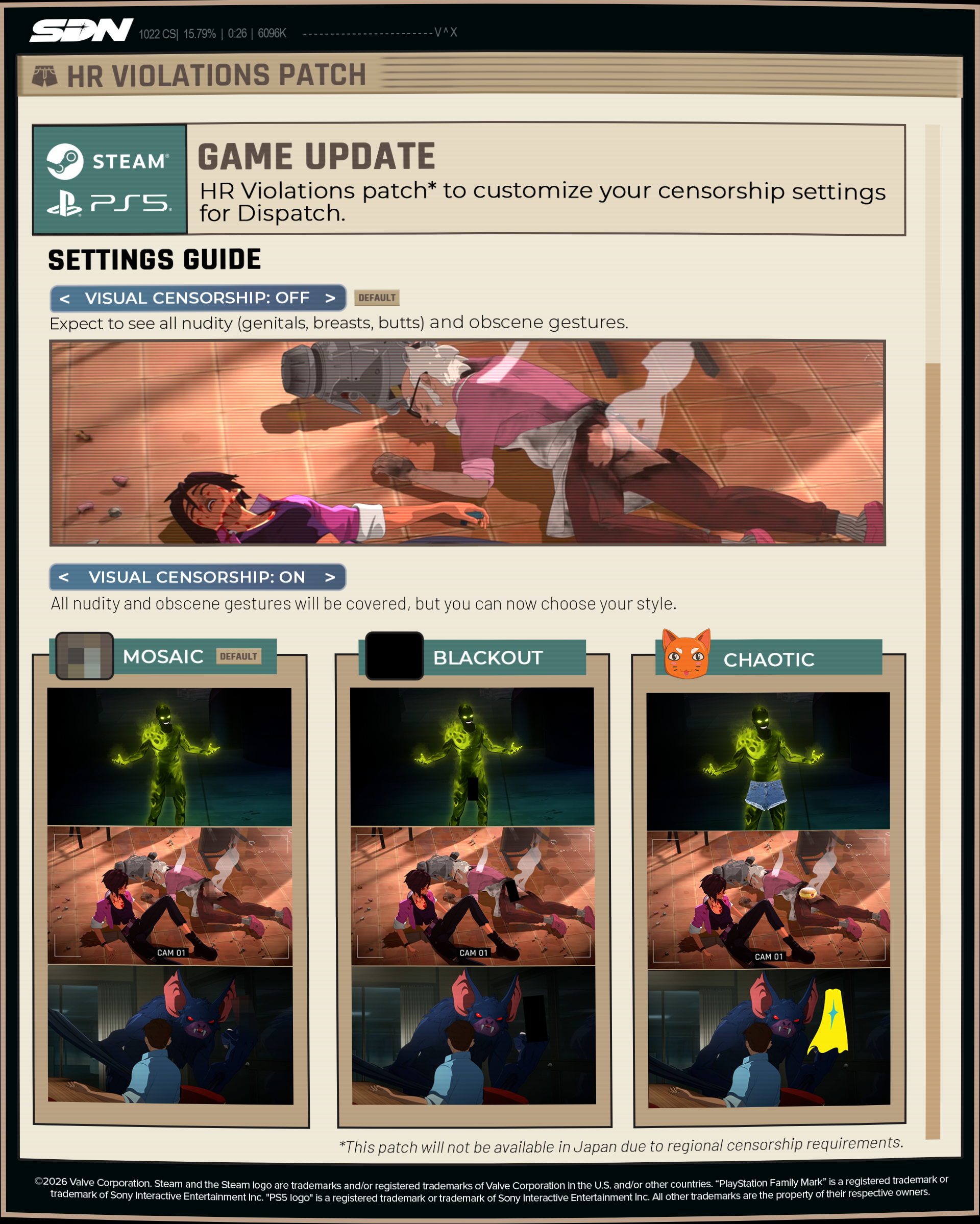
While Steam and PlayStation will continue to have all the classic, uncensored smut you know and love as the default setting, we’re also making this free update available on those platforms – because everyone deserves the chance to see Toxic in jorts.
Xbox players will get access to these settings when the game releases later this summer.
Default Steam & PS5 Settings
Japan: Full Coverage in Blackout style
All other regions: Totally uncensored
HOW TO ACCESS
Nintendo Switch & Nintendo Switch 2: Via the DLC menu in the Nintendo eShop. Once downloaded, find all coverage and style options in your Game Menu under General Settings > Filters.
Steam & PlayStation 5: Simply update your game to find the new coverage options in your Game Menu under General Settings > Filters.
Thanks for playing, and thanks for making your voices heard. Now, please go enjoy your newly customizable HR violations responsibly. Or don't. We're not your boss.